Your laptop shuts down out of nowhere. Or the fan screams like it's about to take off, but the laptop still feels sluggish. That's not just "old age" — that's heat with nowhere to go.
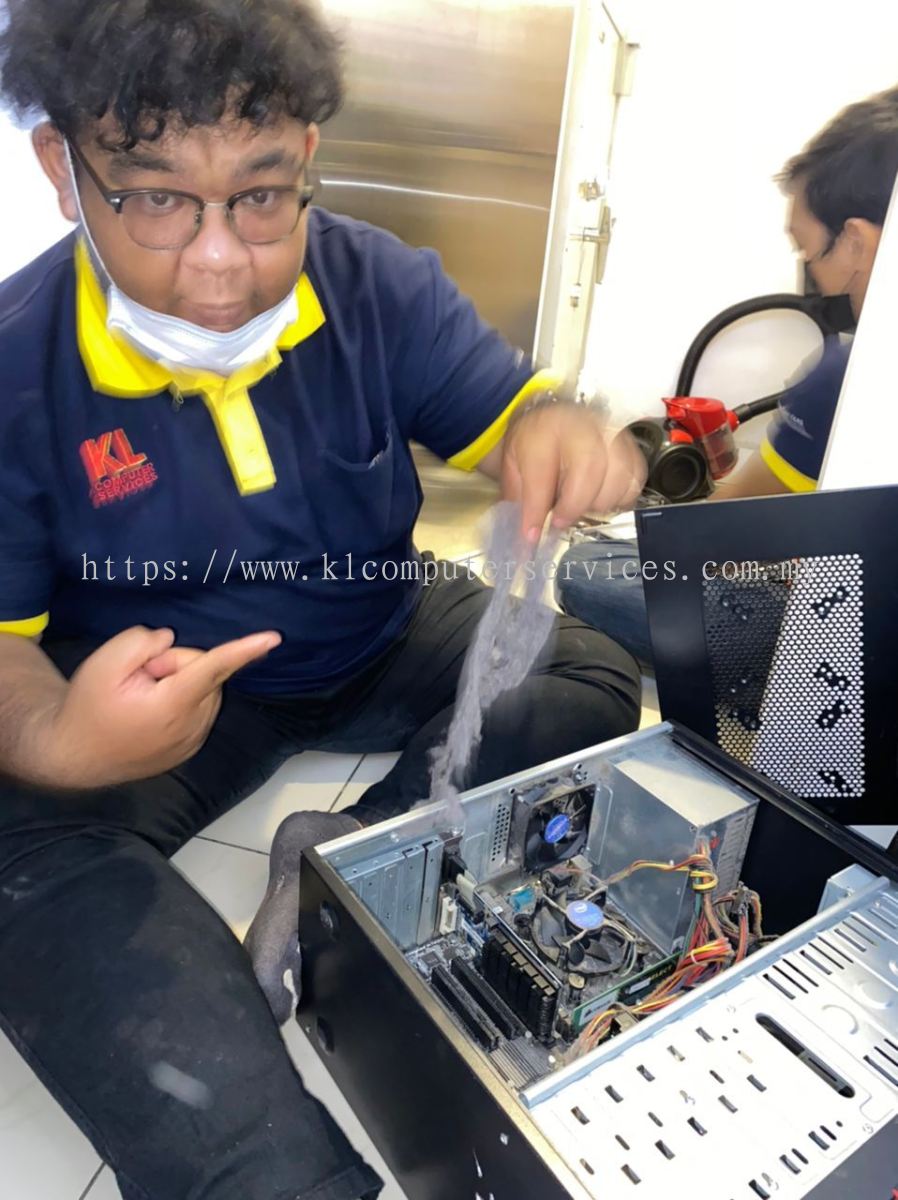
Inside the casing, dust collects around the CPU heatsink and fan blades over months of daily use. Once airflow is blocked, heat builds up fast, and the processor throttles itself down to avoid damage. The result: random shutdowns, slowdowns under load, and a fan that's working overtime for nothing.
We open up the unit, clear the dust from around the CPU and fan, and check whether the thermal paste has dried out and needs replacing. Once airflow is restored, the system runs cooler, quieter, and noticeably smoother, especially under heavier tasks like video calls, gaming, or multitasking.
Catching this early also protects your hardware long-term, since prolonged overheating wears down components faster than normal use. Curious about the warning signs before it gets this bad? Check out our guide: Laptop Overheating & Shutting Down Randomly?
Available at all KL Computer Services branches across Kuala Lumpur, Cheras, Ampang, Klang Lama, and the wider Klang Valley.
More detail about KL COMPUTER SERVICES Malaysia